Why AI Crawlability Matters
Your content is useless if AI systems cannot reach it. I have seen well-written, thoroughly researched articles completely ignored by ChatGPT and Perplexity because of basic crawlability issues.
AI search engines use crawlers to access your website. These crawlers read your pages, extract content, and use it to generate answers. If your site blocks these crawlers or presents technical barriers, your content never gets indexed.
The problem is more common than you might think. In my testing of 30 websites, half had at least one crawlability issue that affected AI visibility.
How AI Crawlers Work
AI crawlers operate differently from traditional search engine crawlers. Understanding these differences helps you configure your site correctly.
Googlebot vs AI Crawlers
Googlebot has been crawling the web for decades. It handles JavaScript rendering, respects standard robots.txt directives, and indexes content for Google Search.
AI crawlers work similarly but have different priorities:
- GPTBot: OpenAI’s crawler for model training. Separate from ChatGPT Search.
- OAI-SearchBot: OpenAI’s crawler specifically for ChatGPT Search results.
- ClaudeBot: Anthropic’s crawler for training Claude models.
- PerplexityBot: Perplexity’s crawler for real-time search results.
The key distinction: training crawlers and search crawlers are different systems. Blocking a training crawler does not block search visibility, and vice versa.
What Crawlers Need
Every crawler needs the same basics:
- Access to your robots.txt file
- Ability to reach your pages without being blocked
- Readable content (not hidden behind JavaScript)
- Clear page structure
For detailed technical SEO fundamentals, see the technical SEO audit guide.
robots.txt Configuration
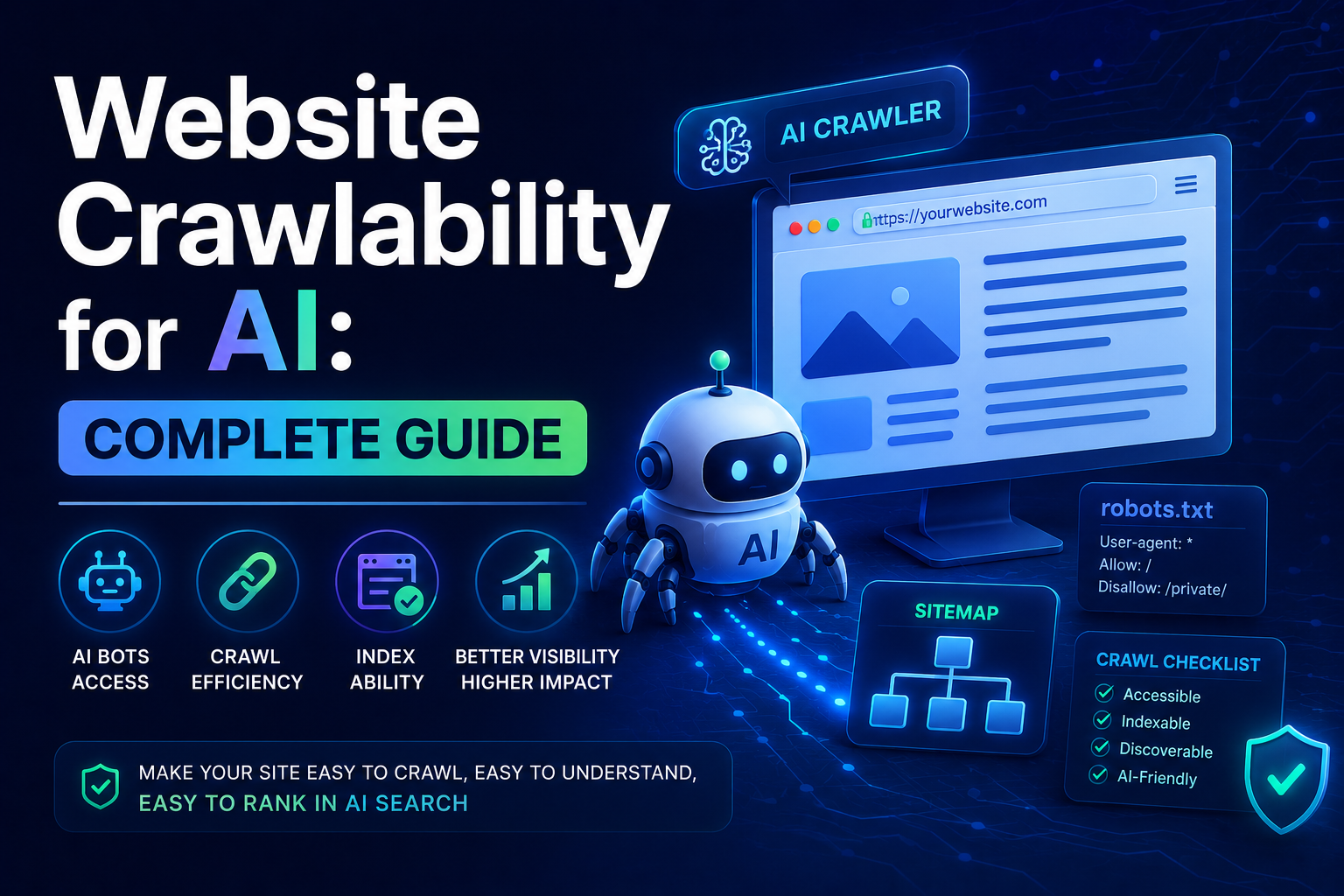
Your robots.txt file is the first thing crawlers check. It tells them which pages to access and which to skip.
The Basic Structure
A standard robots.txt file for AI visibility:
User-agent: *
Allow: /

Sitemap: https://yoursite.com/sitemap-index.xml
This allows all crawlers to access all pages and points them to your sitemap.
Controlling AI Crawlers Specifically
If you want different rules for different AI crawlers, add separate User-agent sections:
# Default: allow everything
User-agent: *
Allow: /

# Block training crawlers, allow search
User-agent: GPTBot
Disallow: /

User-agent: OAI-SearchBot
Allow: /

# Allow Perplexity search
User-agent: PerplexityBot
Allow: /

# Block Common Crawl (training data source)
User-agent: CCBot
Disallow: /

Sitemap: https://yoursite.com/sitemap-index.xml
This approach lets you control training separately from search visibility.
Common Mistakes
The most frequent robots.txt mistakes I see:
Blocking everything accidentally:
User-agent: *
Disallow: /
This blocks all crawlers, including Google. Some site owners add this temporarily for maintenance and forget to remove it.
Using non-standard directives:
Content-Signal: ai-train=no, search=yesThis looks reasonable but no crawler recognizes it. Use standard User-agent names instead.
Forgetting the sitemap:
User-agent: *
Allow: /
Without a sitemap reference, crawlers have to discover all your pages through links. This is slower and less reliable.
XML Sitemap Configuration
Your sitemap helps crawlers find all your pages efficiently.
What to Include
- All blog posts and articles
- Important landing pages
- Documentation pages
- Product pages
What to Exclude
- Tag and category pages (usually thin content)
- Search results pages
- 404 pages
- Admin or login pages
- Orphan pages with no internal links
Sitemap Format
Standard XML sitemaps work for all crawlers:
<?xml version="1.0" encoding="UTF-8"?>
<urlset xmlns="http://www.sitemaps.org/schemas/sitemap/0.9">
  <url>
    <loc>https://yoursite.com/blog/article-1</loc>
    <lastmod>2026-06-14</lastmod>
    <priority>0.8</priority>
  </url>
  <url>
    <loc>https://yoursite.com/blog/article-2</loc>
    <lastmod>2026-06-13</lastmod>
    <priority>0.8</priority>
  </url>
</urlset>
Sitemap Index for Large Sites
If you have more than 50,000 URLs or a sitemap file larger than 50MB, use a sitemap index:
<?xml version="1.0" encoding="UTF-8"?>
<sitemapindex xmlns="http://www.sitemaps.org/schemas/sitemap/0.9">
  <sitemap>
    <loc>https://yoursite.com/sitemap-posts.xml</loc>
  </sitemap>
  <sitemap>
    <loc>https://yoursite.com/sitemap-pages.xml</loc>
  </sitemap>
</sitemapindex>
Server Configuration
Your server settings affect how easily crawlers can access your content.
Response Codes
Crawlers need proper HTTP response codes:
- 200: Page exists and is accessible
- 301: Page moved permanently (redirect)
- 404: Page not found
- 500: Server error
Avoid 403 (Forbidden) responses for pages you want indexed. Some security tools block crawlers by default.
Redirect Chains
Each redirect adds latency. Crawlers have timeouts, and multiple redirects can cause them to give up before reaching your content.
Bad:
/page1 → /page2 → /page3 → /final-pageGood:
/page1 → /final-pageKeep redirect chains to a maximum of one hop.
Page Load Speed
AI crawlers have resource limits. If your page takes too long to load, the crawler may time out before reading your content.
Target metrics:
- Time to First Byte (TTFB): under 600ms
- Largest Contentful Paint (LCP): under 2.5 seconds
- Total page load: under 3 seconds
For details on optimizing these metrics, see the Core Web Vitals optimization guide.
JavaScript Rendering
Many modern websites rely heavily on JavaScript. This creates problems for AI crawlers.
The Issue
Some AI crawlers do not execute JavaScript. If your content is rendered client-side, the crawler sees an empty HTML shell.
Solutions
Static rendering: Pre-render your pages at build time. This is the best solution for content-heavy sites. Frameworks like Astro do this automatically.
Server-side rendering (SSR): Generate HTML on the server for each request. This ensures crawlers get complete content.
Hybrid rendering: Use static pages for content and SSR for dynamic elements.
Testing JavaScript Rendering
Check if your pages render correctly without JavaScript:
- Open your page in a browser
- Disable JavaScript in developer tools
- Reload the page
- Verify content is still visible
If content disappears with JavaScript disabled, crawlers may have the same problem.
Content Accessibility
Beyond technical configuration, your content structure affects crawlability.
Heading Hierarchy
Use a clear heading hierarchy:
<h1>Main Page Title</h1>
<h2>Section</h2>
<h3>Subsection</h3>
<h2>Another Section</h2>
One H1 per page. Logical progression from H2 to H3. This helps crawlers understand your content structure.
Internal Linking
Every page should have at least one internal link pointing to it. Pages without internal links are called orphan pages, and crawlers may never find them.
For related content on internal linking strategy, see the structured data guide.
Alt Text for Images
Images with alt text provide additional context. Crawlers cannot see images, so alt text is how they understand what the image shows.
Testing Your Crawlability
Manual Checks
Visit your robots.txt at yourdomain.com/robots.txt. Verify it is accessible and contains the right rules.
Check your sitemap at yourdomain.com/sitemap.xml. Verify all URLs are valid and accessible.
Automated Tools
Is Your Site Agent Ready: Specifically checks AI crawler accessibility.
Screaming Frog: Crawls your site like a search engine and reports issues.
Google Search Console: Shows indexing issues and crawl errors.
For a complete audit process, see the technical SEO audit checklist.
Log Analysis
Check your server logs for crawler activity. Look for:
- Which AI crawlers are visiting your site
- Which pages they are accessing
- Any 403 or 500 responses
- Crawl frequency and patterns
Platform-Specific Guidance
Static Site Generators (Astro, Hugo, 11ty)
Static sites have a crawlability advantage. Pages are pre-rendered HTML, so crawlers get complete content immediately.
If you use Astro with Cloudflare Pages (like this site), see the Astro and Cloudflare Pages guide for platform-specific configuration.
WordPress
WordPress sites need attention to:
- Plugin conflicts that may block crawlers
- Caching plugins that may serve empty pages
- Security plugins that may block AI crawlers by default
JavaScript Frameworks (React, Vue, Next.js)
Ensure your framework is configured for SEO:
- Use server-side rendering or static generation
- Avoid client-side routing for content pages
- Implement proper meta tags and structured data
Monitoring and Maintenance
Weekly Checks
- Verify robots.txt is accessible
- Check for crawl errors in Search Console
- Monitor AI crawler activity in logs
Monthly Checks
- Run a full crawlability audit
- Update your sitemap with new content
- Review and fix any flagged issues
After Changes
After deploying site changes:
- Verify robots.txt is still correct
- Check that new pages are in the sitemap
- Test that crawlers can access changed pages
Conclusion
AI crawlability is not complicated, but it requires attention to detail. Your robots.txt, sitemap, server configuration, and content structure all need to work together.
Start with the basics: verify your robots.txt allows AI crawlers, ensure your sitemap is complete, and check that your pages load quickly. Then move to structural improvements like heading hierarchy and internal linking.
The sites that get cited in AI search results are the ones crawlers can access reliably. Fix the crawlability issues first, then optimize the content.
For a broader optimization strategy, see the GEO SEO complete guide and the ChatGPT SEO optimization guide. For performance optimization, see the Core Web Vitals guide. For a practical example of fixing crawlability issues, see my AI search visibility case study. If you are troubleshooting Cloudflare caching, see the Cloudflare edge cache guide.