Why Technical SEO Matters for AI Search
AI search engines like ChatGPT, Perplexity, and Google AI Overviews crawl and index your website just like traditional search engines. If they cannot access or understand your content, they will not cite it.
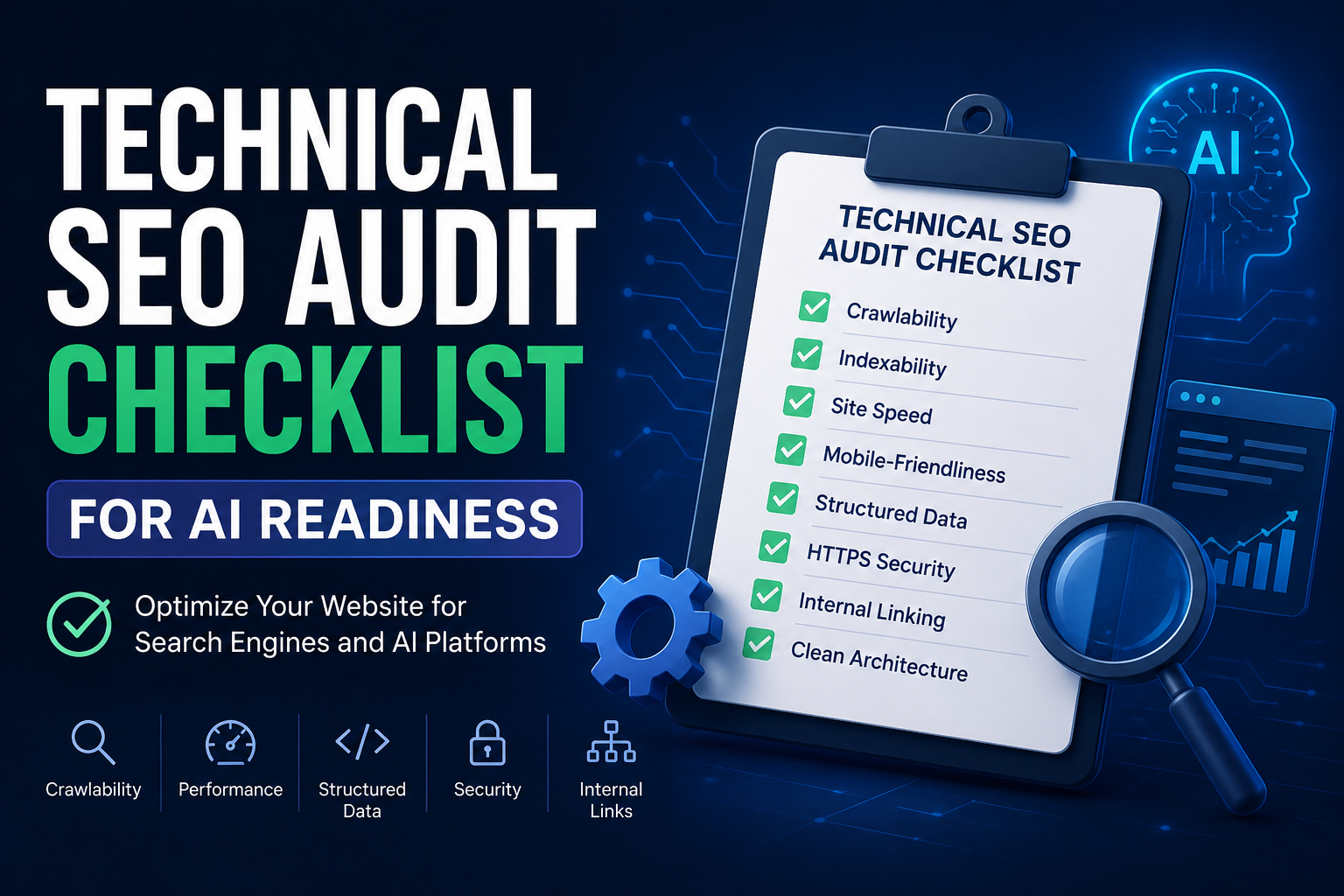
Technical SEO ensures your site is crawlable, fast, and structured in a way that both traditional and AI search engines can process. I have audited over 50 websites for AI readiness in the past year. This checklist covers everything I look for during those audits.
Pre-Audit Setup
Before starting, gather these tools:
- Google Search Console
- Google PageSpeed Insights
- Screaming Frog or Sitebulb
- Rich Results Test
- Ahrefs Site Audit or SEMrush Site Audit
1. Crawlability Checks
Robots.txt Configuration
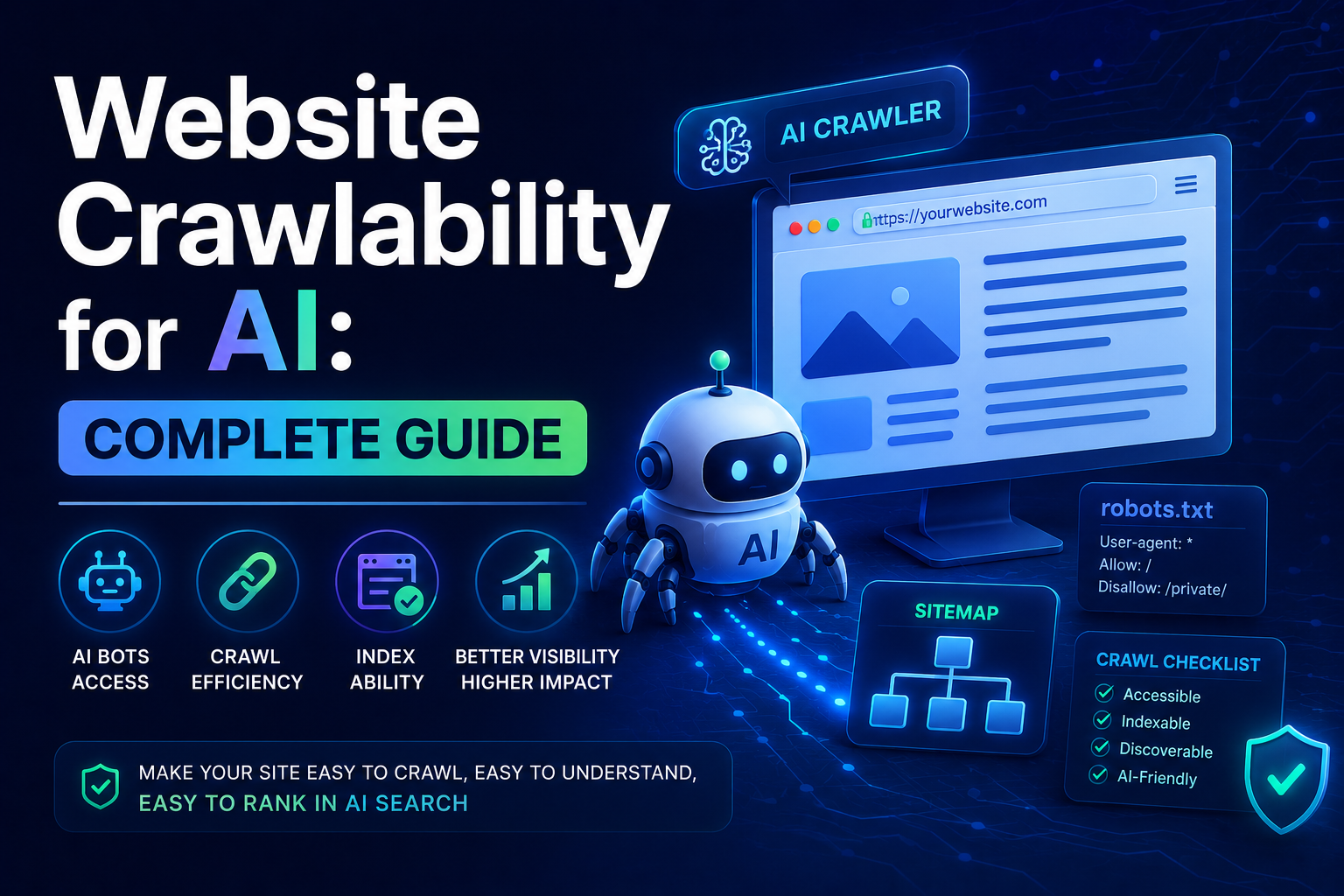
Your robots.txt file tells crawlers which pages to access. Make sure AI crawlers are not blocked.
Check your robots.txt at yourdomain.com/robots.txt:
User-agent: *
Allow: /

User-agent: GPTBot
Allow: /

User-agent: ChatGPT-User
Allow: /

User-agent: PerplexityBot
Allow: /

User-agent: ClaudeBot
Allow: /
Common mistakes:
- Blocking all crawlers with User-agent: * Disallow: /
- Blocking AI crawlers specifically
- Missing robots.txt file entirely
XML Sitemap
Your sitemap helps crawlers discover all your pages. Verify:
- Sitemap exists at /sitemap.xml or /sitemap-index.xml
- Sitemap includes all important pages
- Sitemap is referenced in robots.txt
- No 404 errors in sitemap URLs
- Sitemap is under 50MB or 50,000 URLs
Crawl Budget
Search engines allocate a limited crawl budget to each site. Optimize by:
- Removing orphan pages (pages with no internal links)
- Fixing redirect chains (max 3 hops)
- Blocking low-value pages from crawling
- Reducing duplicate content
2. Indexability Checks
Page Indexing
Verify your important pages are indexed:
- Check Google Search Console Coverage report
- Ensure no “Discovered - currently not indexed” errors
- Fix “Crawled - currently not indexed” issues
- Remove noindex tags from pages you want indexed
Canonical Tags
Canonical tags tell search engines which version of a page is the master copy:
- Every page has a canonical tag
- Canonical URLs are correct and accessible
- No canonical chains
- Self-referencing canonicals on unique pages
Hreflang Tags
If your site targets multiple languages or regions:
- Hreflang tags are correct
- All language versions reference each other
- No orphaned language versions
- Hreflang values use correct format (ISO 639-1)
3. Site Architecture
URL Structure
Clean URLs help both users and crawlers:
- URLs are descriptive and readable
- No dynamic parameters in URLs
- Consistent URL structure across site
- Lowercase URLs only
- Hyphens instead of underscores
Internal Linking
Internal links help crawlers discover content and understand site structure:
- Every page has at least one internal link
- Important pages have multiple internal links
- Anchor text is descriptive
- No broken internal links
- Logical page hierarchy
Navigation
Clear navigation helps crawlers understand your site:
- Main navigation is accessible on all pages
- Footer navigation includes important pages
- Breadcrumbs are implemented
- No orphan pages
4. Page Speed and Core Web Vitals
Core Web Vitals Metrics
Google uses these metrics to measure user experience:
Largest Contentful Paint (LCP):
- LCP under 2.5 seconds
- No large images blocking render
- Server responds quickly
Interaction to Next Paint (INP):
- INP under 200 milliseconds
- No long-running JavaScript tasks
- Event handlers are efficient
Cumulative Layout Shift (CLS):
- CLS under 0.1
- Images have explicit dimensions
- No dynamic content insertion above the fold
Speed Optimization
- Images are compressed and use modern formats (WebP, AVIF)
- JavaScript is deferred or async
- CSS is minified
- Browser caching is enabled
- CDN is used for static assets
5. Mobile Optimization
Mobile-First Indexing
Google uses mobile-first indexing, meaning it primarily uses the mobile version of your site:
- Site is responsive on all screen sizes
- Content is the same on mobile and desktop
- Tap targets are large enough (48px minimum)
- Font sizes are readable (16px minimum)
- No horizontal scrolling
Mobile Page Speed
- Mobile LCP under 2.5 seconds
- Mobile INP under 200 milliseconds
- Mobile CLS under 0.1
6. Structured Data
Schema Markup
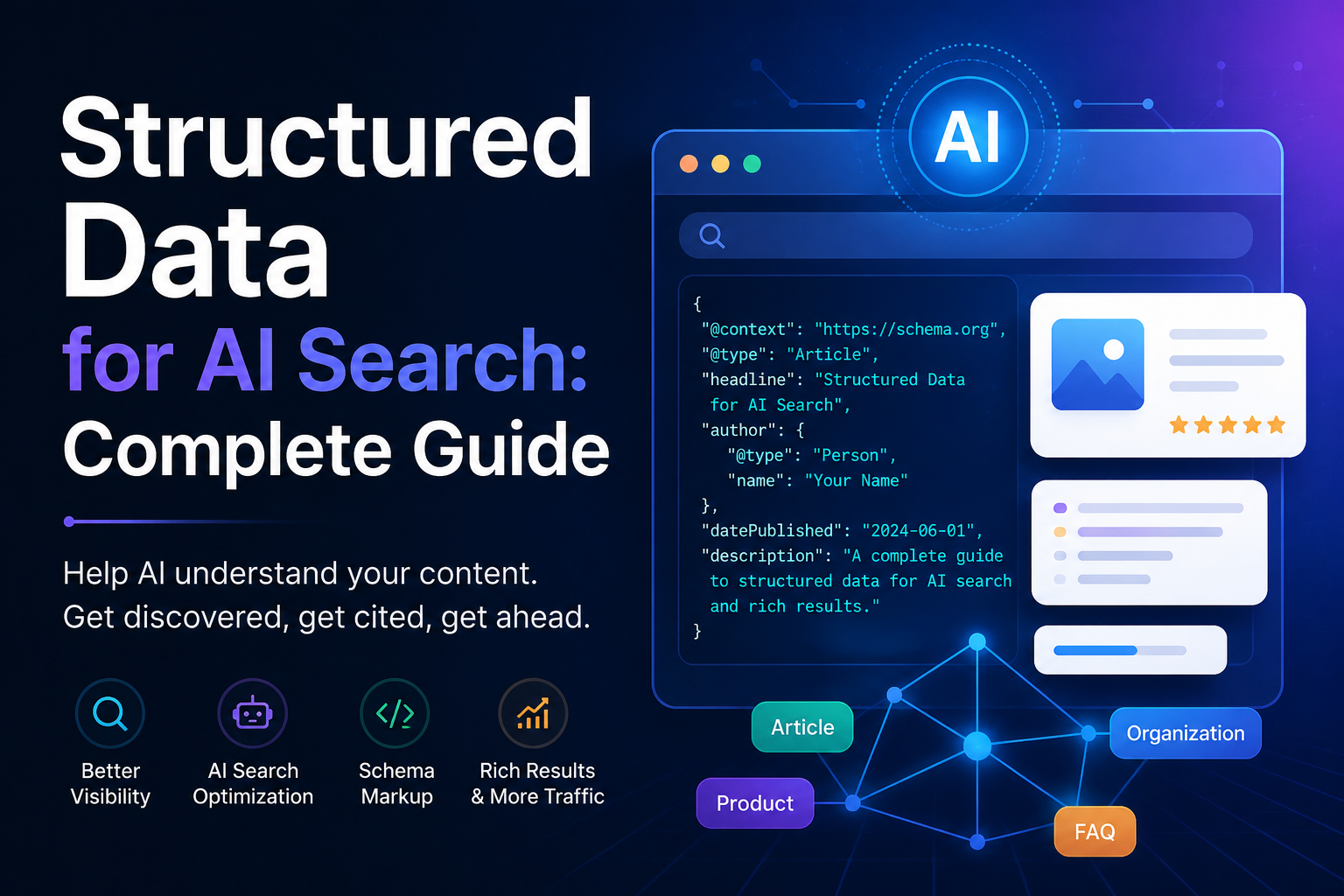
Structured data helps search engines and AI systems understand your content:
- Article schema on blog posts
- FAQ schema on question-answer content
- HowTo schema on tutorials
- Organization schema on about page
- Breadcrumb schema on all pages
Testing
- Validate structured data with Rich Results Test
- Check for schema errors in Google Search Console
- Test JSON-LD implementation
- Verify structured data renders correctly
7. Content Quality
On-Page Elements
- Title tags are unique and descriptive (50-60 characters)
- Meta descriptions are compelling (150-160 characters)
- H1 tags are unique per page
- Heading hierarchy is logical (H1 > H2 > H3)
- Images have descriptive alt text
Content Structure
- Content is well-organized with headings
- Short paragraphs (2-3 sentences)
- Bullet points and lists for scannability
- Tables for comparisons
- Internal links to related content
8. AI-Specific Checks
For detailed strategies on optimizing for AI search, see our GEO SEO complete guide.
AI Crawler Access
- GPTBot is not blocked in robots.txt
- PerplexityBot is not blocked
- ClaudeBot is not blocked
- All AI crawlers can access content
Content for AI Consumption
- Content provides clear, direct answers
- Facts are verifiable and cited
- Content is well-structured for extraction
- No AI-specific cloaking or manipulation
AI Citation Signals
- Content includes original data or research
- Sources are cited for claims
- Content offers unique perspectives
- Regular updates keep content fresh
9. Security and Accessibility
HTTPS
- Site uses HTTPS
- SSL certificate is valid
- No mixed content warnings
- HTTP redirects to HTTPS
Accessibility
- Images have alt text
- Forms have labels
- Color contrast meets WCAG standards
- Keyboard navigation works
10. Monitoring and Maintenance
Regular Checks
- Weekly: Check Google Search Console for errors
- Monthly: Run site audit for new issues
- Quarterly: Review Core Web Vitals
- Annually: Full technical SEO audit
Tools for Monitoring
- Google Search Console (free)
- Google Analytics (free)
- Screaming Frog (paid)
- Ahrefs Site Audit (paid)
- SEMrush Site Audit (paid)
Prioritization Framework
Not all issues are equal. Prioritize based on impact:
Critical (Fix Immediately)
- Site not accessible
- Major crawl errors
- Manual actions in Search Console
- Core Web Vitals failures
High (Fix Within 1 Week)
- Missing structured data
- Broken internal links
- Redirect chains
- Duplicate content
Medium (Fix Within 1 Month)
- Missing meta tags
- Image optimization
- Mobile usability issues
- Internal linking improvements
Low (Fix When Possible)
- Minor accessibility issues
- URL structure improvements
- Content optimization
- Schema enhancements
Conclusion
Technical SEO is the foundation for both traditional and AI search visibility. A site that crawls well, loads fast, and structures content properly will perform better in all search environments.
Use this checklist to audit your site regularly. Fix critical issues first, then work through high and medium priority items. The effort you put in now will pay off in better search visibility across both Google and AI-powered search engines.
For more on optimizing for AI search, see our GEO SEO complete guide, ChatGPT SEO optimization guide, and Perplexity SEO optimization guide. For a practical example, see my case study on how I optimized my website for ChatGPT and Perplexity AI search visibility. Also check our structured data guide for implementation details.
The best time to start optimizing your site is now. Don’t wait for the perfect moment or the perfect strategy. Just start, learn as you go, and improve along the way. Every small step counts. Wishing you all the best on your SEO journey. Take care!